Follow Us :


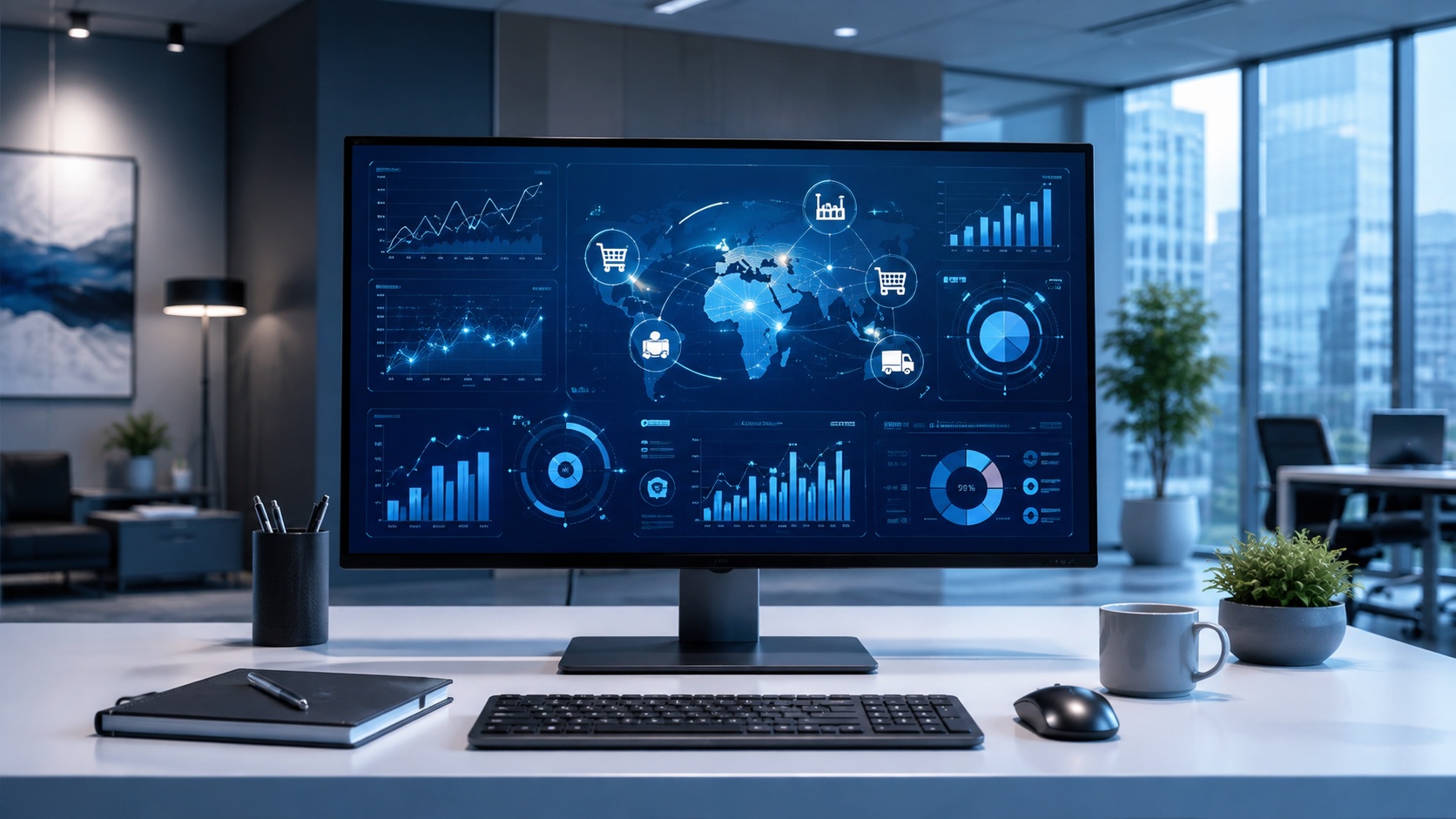
ERP is an acronym that stands for Enterprise Resource Planning. Simply put, ERP is business management software that connects a company's core processes, including finance, human resources, supply chain, manufacturing, and procurement, into one integrated system built on a shared database. Instead of running separate tools that do not talk to each other, an ERP system gives every department a single, real-time view of the same information. The benefits are obvious; seamless integration of the entire workflow and better, real-time data for key stakeholders who can now focus on making decisions and aren't bogged down in trying to map information from different and incompatible software.
That is the short answer. If you searched for the ERP meaning because the acronym keeps surfacing in software demos, job descriptions, or a conversation about outgrowing entry-level accounting software, this guide breaks down what ERP means, what an ERP system actually does, and how it differs from the other business tools people often confuse it with.
ERP means Enterprise Resource Planning. It refers to a category of software that organizations use to manage and automate their day-to-day operations from a single platform. A modern ERP system ties together the financial, operational, and administrative sides of a business so that data flows automatically between departments rather than being re-entered, emailed around, or trapped in spreadsheets.
When people ask what ERP means in a practical sense, they are usually asking what the software does. An ERP system acts as the operational backbone of a company. It records a transaction once and makes that same information available everywhere it is needed. When a sales order is entered, the ERP updates inventory, flags the warehouse to pick and ship, records the revenue in the general ledger, and adjusts production planning, all from the same entry. That coordination across business processes is the heart of the ERP meaning, and it is what separates enterprise resource planning software from a collection of disconnected applications.
ERP stands for Enterprise Resource Planning. Breaking the acronym down helps explain the concept. "Enterprise" points to the whole organization rather than one department. "Resource" refers to the money, people, materials, and inventory a business manages. "Planning" reflects the software's original job of coordinating those resources so the right things are in the right place at the right time.
The term has roots in manufacturing. In the 1960s and 1970s, factories used Material Requirements Planning (MRP) software to schedule production and manage raw materials. That evolved into Manufacturing Resource Planning (MRP II) in the 1980s, which added scheduling, capacity, and shop-floor functions. In 1990, the analyst firm Gartner coined the term ERP to describe the next stage, in which these systems expanded well beyond the factory to cover finance, accounting, human resources, procurement, and more. Today ERP software serves nearly every industry, not just manufacturing, though its planning and coordination heritage still shows in how the systems are built.
In simple terms, an ERP system is a single source of truth for your business. It is one central place where your most important information lives, so that everyone from finance to operations is working from the same numbers instead of their own version.
Picture a growing company running accounting in one program, inventory in a spreadsheet, purchasing through email, and customer records in a separate tool. Each of those systems holds a slice of the truth, and none of them agree. Someone has to reconcile them by hand, which is slow and error-prone. An ERP system replaces that patchwork. It brings those functions onto one platform with a shared database, so a change in one area is instantly reflected everywhere else.
The payoff is visibility and control. Leadership can see real-time performance across the whole business, staff spend less time on manual data entry and reconciliation, and decisions get made on reliable data rather than a best guess. That is the value an ERP system provides, and it is why so many businesses adopt one as they scale.
These terms get used interchangeably, and for most conversations they point to the same thing. Still, the small differences are worth clarifying because they trip people up.
The ERP software meaning refers to the actual program, the licensed application you buy or subscribe to. The ERP systems meaning is slightly broader. A "system" usually implies the software plus the way it is configured, the modules a company has turned on, the data inside it, and how it connects to the rest of the business. When someone calls it an ERP tool, they are simply describing what the software does for them: it is the tool the team uses to run operations. And "enterprise resource software" is just a looser phrasing of the same idea, an informal way of saying enterprise resource planning software.
So if you see ERP software, ERP system, ERP tool, ERP solution, or enterprise resource software used in the same article, do not overthink it. They all describe enterprise resource planning technology. The distinction only matters when you get into implementation, where "the software" and "the system your business actually runs" can be two very different levels of maturity.
An ERP system works by connecting a set of modules to a single shared database. Each module handles one area of the business, such as finance, inventory, or human resources, but all of them read from and write to the same central store of data. That shared database is what makes the whole thing more than the sum of its parts.
Here is how that plays out in practice. A customer places an order. The sales module records it, and because every module is connected, the inventory module immediately reflects the reduced stock, the finance module books the receivable and revenue, procurement sees whether materials need to be reordered, and production planning adjusts the schedule if the item has to be made. No one re-keys the order into four systems. It is entered once and the ERP handles the ripple effects automatically.
Modern ERP systems add another layer on top of this: real-time reporting, dashboards, and increasingly automation and analytics. Because the data is centralized and current, an ERP can surface insights that would be impossible to pull from siloed tools. The mechanics are not glamorous, but that connected, record-once design is exactly why ERP software delivers the efficiency it does.
Most ERP systems are modular. Companies turn on the modules they need and add more over time, which keeps the initial rollout manageable and lets the solution scale with the business. While the exact lineup varies by vendor, common ERP modules include:
Because these modules share one database, the business functions they support finally operate in sync rather than as isolated departments.
ERP systems are usually grouped by how they are deployed, meaning where the software actually runs. Choosing the right model depends on your budget, your IT resources, and how much control you need over the environment.
Cloud ERP is hosted by the vendor and accessed over the internet, typically on a subscription. It has become the default choice for many businesses because it requires no on-site servers, updates automatically, and can be reached from anywhere. For small and midsize companies especially, cloud-based ERP lowers the barrier to entry.
On-premises software runs on servers the company owns and maintains in its own data center. This gives maximum control and can suit organizations with strict data, security, or regulatory requirements, but it carries higher upfront cost and puts maintenance on the internal IT team.
A hybrid ERP blends the two, keeping some functions on-premise while running others in the cloud. Businesses often land here when they want cloud flexibility but need to keep certain sensitive systems in house.
In a two-tier ERP approach, a larger organization runs one ERP at the corporate level and a second, often lighter, ERP at subsidiaries or regional offices, with the two connected. Beyond deployment, ERP systems are also sold as industry-specific solutions tuned for the needs of a particular sector, from distribution to the service industry to food and beverage.
This is where most of the confusion around the ERP meaning comes from, because ERP overlaps with tools people already know.
An ERP system and a CRM system are both business software, but they focus on different sides of the company. ERP manages internal, back-office operations across many departments: finance, supply chain, inventory, manufacturing, and HR. CRM manages the front office, specifically customer interactions, sales pipelines, and marketing. The two are complementary, and many businesses integrate ERP and CRM so that customer data and operational data connect. Some ERP suites include CRM as a module.
AspectERPCRMPrimary focusInternal operations and resources across the whole organizationCustomer relationships, sales, and marketingCore usersFinance, operations, supply chain, HR, manufacturingSales, marketing, and customer service teamsType of dataFinancials, inventory, production, procurementContacts, leads, deals, customer historyMain goalEfficiency, coordination, and a single source of truthWinning and retaining customers
The other frequent question is whether accounting software counts as an ERP. It does not. A tool like QuickBooks handles finance and accounting well, but that is only one module of a true ERP system. When a company outgrows standalone accounting software and needs inventory, manufacturing, and operations connected to its financials, that is typically the moment an ERP starts to make sense.
A quick example makes the ERP meaning concrete. Imagine a small but fast-growing furniture manufacturer. Orders are climbing, which is good news, but invoicing, production planning, and shipping have all become tangled. The team is juggling separate tools, and no one has a clear, current picture of what is happening.
With an ERP system in place, a single sales order flows straight through the business. Inventory checks stock and triggers a purchase order for materials that are running low. Production planning schedules the build. The finance module records the revenue and tracks the invoice. Leadership sees all of it on one dashboard in real time. The company chooses a cloud-based ERP so the team can access it from anywhere, starts with the modules that matter most, such as inventory and production, and adds more as it grows. That is a realistic, everyday picture of what enterprise resource planning software does, and it is the kind of coordination that becomes essential as a business scales.
You do not adopt an ERP because the acronym sounds impressive. You adopt one when the cost of disconnected systems starts to outweigh the effort of implementing an ERP system. Common signs include:
If several of these sound familiar, it is usually worth evaluating what an ERP solution could do and which type of ERP system fits your size, industry, and goals.
The direction of ERP is toward smarter, more connected, and more accessible systems. Cloud adoption continues to accelerate as businesses move away from maintaining their own servers. Artificial intelligence is being built into modern ERP to automate routine tasks, surface anomalies, and support forecasting and decision-making. Mobile access is now expected rather than a bonus, letting teams work from the warehouse floor or the road. For most companies, the practical takeaway is simple: an ERP is no longer just a system of record, it is becoming an active tool that helps run and improve the business, not just document it.
In simple terms, ERP is software that connects a company's core operations, finance, inventory, supply chain, HR, and more, into one system with a shared database, so everyone works from the same real-time information instead of separate, disconnected tools.
ERP stands for Enterprise Resource Planning. The term was coined by the analyst firm Gartner in 1990 to describe systems that grew out of earlier manufacturing planning software and expanded to manage the whole business.
Well-known ERP software includes SAP (including SAP Business One and S/4HANA), Oracle NetSuite, Microsoft Dynamics 365, Infor, Sage, and Workday. Vendors offer different solutions aimed at different company sizes and industries.
No. QuickBooks is accounting software, which covers only the finance side of what an ERP does. A true ERP system connects accounting with inventory, supply chain, manufacturing, and other business functions on one platform.
ERP manages internal operations across the whole organization, such as finance, supply chain, and manufacturing. CRM manages customer-facing activity like sales and marketing. They are complementary, and many businesses integrate the two.
Outside of business and technology, you may see ERP used online as an unrelated acronym in gaming or role-play communities. In any business, software, or technology context, ERP always means Enterprise Resource Planning.
Innormax helps growing companies move beyond disconnected tools with SAP Business One, a leading ERP platform for small and midsize businesses across manufacturing, distribution, and professional services. If you are weighing whether an ERP system is the right next step, learn how our team approaches ERP or explore SAP Business One.


.svg)

Lorem ipsum dolor sit amet, consectetur adipiscing elit, sed do eiusmod tempor incididunt ut labore et dolore magna aliqua. Ut enim ad minim veniam, quis nostrud exercitation ullamco laboris nisi ut aliquip ex ea commodo consequat. Duis aute irure dolor in reprehenderit in voluptate velit esse cillum dolore eu fugiat nulla pariatur.
Block quote
Ordered list
Unordered list
Bold text
Emphasis
Superscript
Subscript


.avif)
.avif)
.avif)
.svg)