Follow Us :


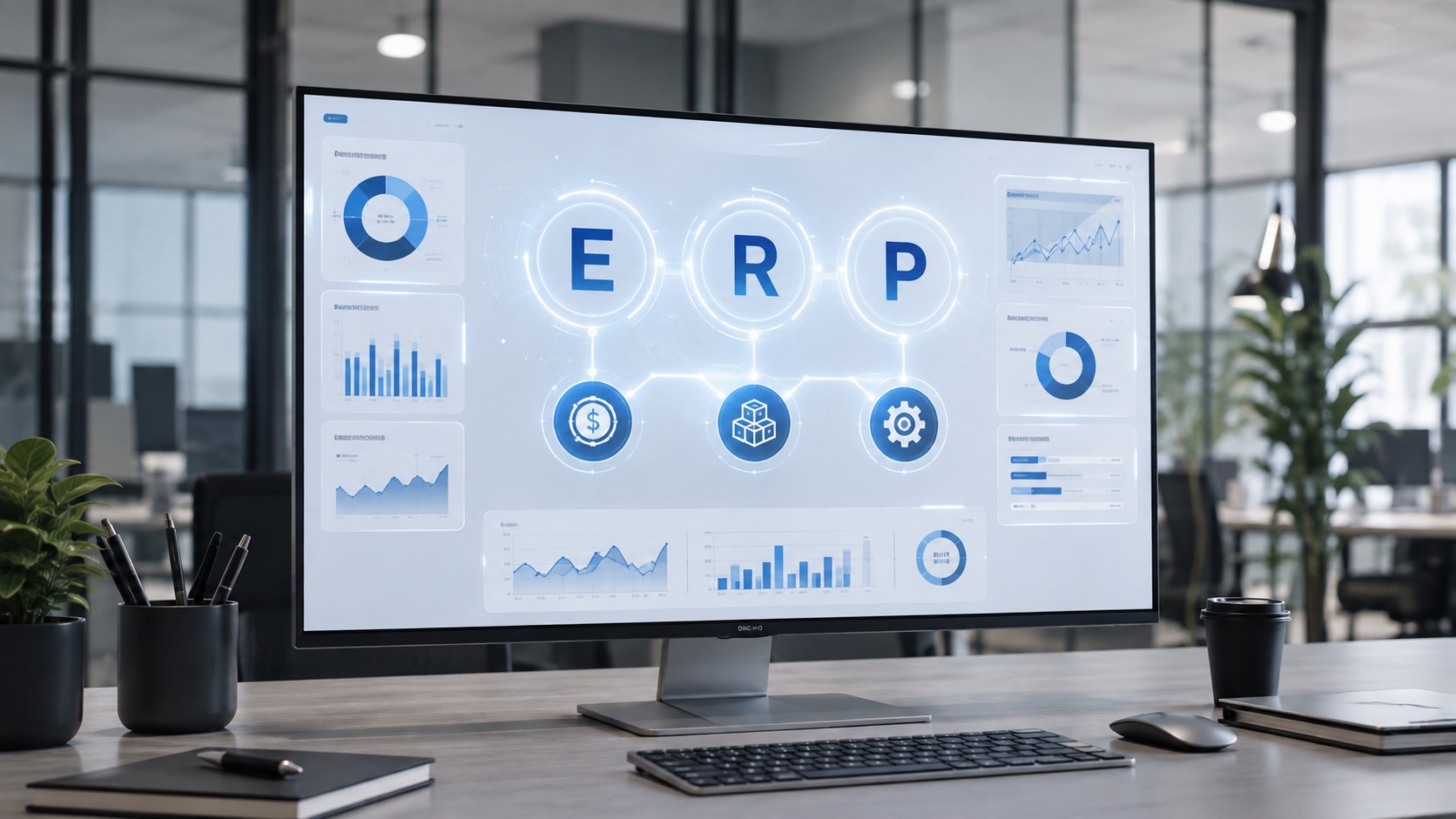
ERP stands for Enterprise Resource Planning. It is a type of business software that connects a company's core operations, including accounting, inventory, purchasing, sales, manufacturing, and supply chain, into one integrated system.
That is the literal answer. Here is the honest problem with it.
Knowing that ERP means "Enterprise Resource Planning" does not actually tell you what ERP is or why a business would use one. The phrase sounds like corporate wallpaper. So the rest of this page does the useful part: it breaks the acronym down word by word, shows what an ERP system does in a single real example, and answers the follow-up questions people actually have once the letters stop being a mystery.
The three words in Enterprise Resource Planning each carry weight. Take them one at a time and the term starts to make sense.
"Enterprise" means the organization as a whole. Not one department, and not necessarily a giant corporation.
This is the first misconception worth killing. The word "enterprise" makes people assume ERP is only for massive companies. It is not. An enterprise, in this context, is any organization that has to coordinate resources across multiple functions. That includes:
The "enterprise" in ERP describes the scope of what the software manages, meaning the whole business, not the size of the company using it.
"Resources" is broader than most people expect, and this is where ERP gets interesting.
A company's resources include far more than money. They include:
An ERP system helps a company answer three questions about all of those resources at once: what do we have, where is it, and how is it being used? That visibility is the foundation everything else is built on.
"Planning" does not just mean making forecasts. It means coordinating resources and processes so that different departments are not making decisions in isolation with conflicting information.
Planning, in the ERP sense, is the software answering questions like:
Put the three words back together and the acronym finally makes intuitive sense. Enterprise Resource Planning is software for coordinating an entire organization's resources from one place.
Here is the plainest version.
An ERP is the central operating system for a business. It is the shared brain that every department works from.
The easiest way to feel the difference is to compare a business without one to a business with one.
Without an ERP, each department runs its own disconnected tool:
Every system holds one slice of the truth, and none of them agree. Someone spends their week reconciling numbers instead of using them.
With an ERP, those functions feed one shared set of business data:
Some of the largest vendors describe ERP as the "central nervous system" of a company. The metaphor works. One system carries signals across the whole organization so the parts act together instead of independently.
This is the moment ERP clicks for most people. Follow a single transaction through a business running on an ERP system.
A customer places a $10,000 order.
One action rippled across sales, inventory, the warehouse, purchasing, accounting, shipping, and reporting. Nobody re-typed the order into five systems. That coordination, triggered by a single entry, is the entire point of Enterprise Resource Planning.
Move from the analogy into the actual mechanics and three concepts explain how an ERP pulls this off.
Every department operates from the same, consistent information rather than keeping its own disconnected copy. There is one record of a customer, one record of an item, one record of an order. This is often called a single source of truth.
An ERP is not one giant screen. It is a set of interconnected modules, each handling a business area such as finance, inventory, or HR, all reading from and writing to the same central database. Companies turn on the modules they need and add more over time.
Actions in one part of the system trigger actions in another. When inventory falls below its reorder point, a purchasing workflow can begin automatically and route a purchase order for approval. This is the logic behind processes like order-to-cash and procure-to-pay.
Shared data, connected modules, automated workflows. That is how an ERP turns a single order into coordinated action across a whole company.
Most ERP systems are modular. Here is what the common modules manage.
ERP ModuleWhat It ManagesFinance and AccountingGeneral ledger, accounts payable, accounts receivable, budgeting, financial reportingInventory ManagementStock levels, locations, availability, movementPurchasing and ProcurementVendors, purchase orders, approvalsSales and Order ManagementQuotes, orders, fulfillmentManufacturingProduction, materials, schedulingSupply ChainSuppliers, planning, logisticsWarehouse ManagementReceiving, picking, packing, shippingHuman ResourcesEmployees, payroll, workforce dataCRMLeads, customers, sales interactionsReporting and AnalyticsKPIs, dashboards, business intelligence
A company rarely turns on all of these at once. Most start with a focused set, often finance and inventory, and expand from there.
This is one of the most common points of confusion, so here is the clean version.
Accounting software manages the company's books. An ERP can manage the company that generates those books.
Accounting SoftwareERPPrimarily financeMultiple departmentsGeneral ledger, AP, ARFinance plus inventory, purchasing, operations, and moreRecords financial transactionsRuns end-to-end business processesDepartment-focusedOrganization-wide
A tool like QuickBooks handles finance well, but finance is one module of what an ERP does. When a business outgrows standalone accounting software, it is usually because inventory and operations have become too interconnected for a finance-only tool to keep up.
Shorter version, because these two get mixed up constantly.
ERP runs operational processes across the whole company: finance, inventory, purchasing, manufacturing, and supply chain.
CRM manages customer relationships: leads, sales pipeline, marketing, and customer interactions.
They are complementary. CRM functionality can live inside an ERP as a module, or a standalone CRM can integrate with one. ERP runs the back office; CRM runs the customer relationship. Neither replaces the other.
Kept concrete rather than buzzwordy.
ERP shows up across industries, each leaning on it for different reasons.
Historically, manufacturing led ERP adoption, followed by distribution and services, which tracks with where the technology started.
Grouped by how the software is deployed.
A handful of well-known Enterprise Resource Planning systems:
These do not all target the same business size, industry, or level of complexity. SAP Business One, for example, is aimed at small and midsize businesses, while S/4HANA sits at the large-enterprise end.
You do not need ERP because the acronym sounds impressive. You need it when specific pain points start showing up. Watch for these signals:
If several of these feel familiar, it is usually time to evaluate what an ERP could do for the business.
Not necessarily, and this is a common beginner misconception worth clearing up.
Modern ERPs cover a lot of ground, but companies routinely integrate ERP with specialized applications rather than replacing all of them. Common integrations include:
Modern ERP environments are built to connect with other tools through APIs and integration technologies. Buying an ERP does not mean every other piece of software disappears. It means they all get a shared backbone to plug into.
No.
The "Enterprise" in Enterprise Resource Planning refers to managing resources across an organization, not to a minimum company size. ERP is sold in tiers:
A ten-person distributor and a ten-thousand-person manufacturer can both run an ERP. They just run very different ones.
ERP stands for Enterprise Resource Planning, a type of software that connects a company's data and core business processes so every department operates from the same information.
That single sentence is the whole page compressed. The letters give you the label. The breakdown gives you the meaning. The order example gives you the point.
ERP stands for Enterprise Resource Planning. It is business software that connects core operations such as finance, inventory, purchasing, sales, and manufacturing into one integrated system.
The same thing: Enterprise Resource Planning. In a business context, ERP refers to the software system a company uses to coordinate resources and data across all of its departments from one platform.
In software, ERP still stands for Enterprise Resource Planning. It describes a category of enterprise application built to integrate a company's business functions on a shared database.
ERP is the central operating system for a business. It connects departments so they work from the same real-time information instead of separate, disconnected tools.
An ERP system records business transactions once and coordinates the effects across the company. A single sales order can update inventory, notify the warehouse, trigger purchasing, record the finances, and refresh management dashboards automatically.
Examples include SAP Business One, SAP S/4HANA, Oracle NetSuite, Oracle Fusion Cloud ERP, Microsoft Dynamics 365, Sage, and Acumatica. They target different company sizes and industries.
Yes. SAP is one of the original and largest ERP vendors. SAP Business One is its ERP for small and midsize businesses, and S/4HANA is its enterprise ERP.
No. QuickBooks is accounting software, which covers only the finance side of what an ERP does. An ERP connects accounting to inventory, purchasing, operations, and more.
Accounting software manages the company's books. ERP manages the broader business that produces those books, connecting finance with inventory, purchasing, sales, and operations.
ERP runs internal operations across the company. CRM manages customer relationships, sales, and marketing. They are complementary and often integrated.
Yes. There are ERP systems built specifically for small and midsize businesses. The "enterprise" in the name refers to managing the whole organization, not to company size.
By deployment, the three main types are cloud ERP, on-premises ERP, and hybrid ERP. A fourth model, two-tier ERP, is common in larger organizations.
ERP stands for Enterprise Resource Planning. Break it apart and it stops being jargon: enterprise is the whole organization, resources are everything a business manages, and planning is coordinating those resources from one place.
An ERP is the shared system that makes that coordination real, turning a single order into action across sales, inventory, purchasing, accounting, and shipping without anyone re-keying a thing. That is what the acronym means, and more importantly, what it does.
Want the fuller picture? Read our complete guide to what an ERP is and how it works. Curious about one of the leading ERP platforms for small and midsize businesses? See how Innormax approaches SAP Business One.


.svg)

Lorem ipsum dolor sit amet, consectetur adipiscing elit, sed do eiusmod tempor incididunt ut labore et dolore magna aliqua. Ut enim ad minim veniam, quis nostrud exercitation ullamco laboris nisi ut aliquip ex ea commodo consequat. Duis aute irure dolor in reprehenderit in voluptate velit esse cillum dolore eu fugiat nulla pariatur.
Block quote
Ordered list
Unordered list
Bold text
Emphasis
Superscript
Subscript


%20(1).avif)
.avif)
.svg)